Images to PDF Pro: Offline Image to PDF Maker Tool
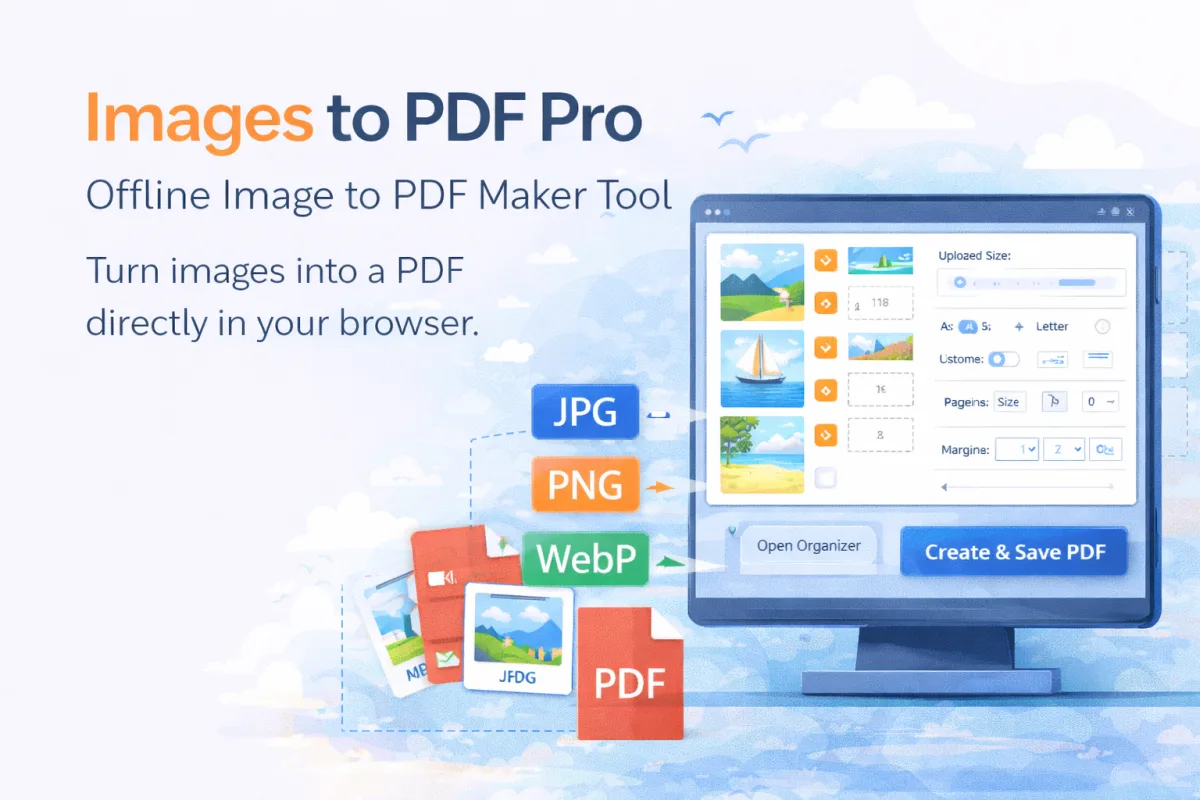
Convert JPG, PNG, and WebP images to PDF locally in your browser. Arrange image order, set page size, add margins, and save without uploads.
Tool features
- Convert multiple JPG, PNG, and WebP images into one PDF offline.
- Arrange image order with a visual organizer before creating the PDF.
- Drag images into position or use left and right move buttons for quick changes.
- Choose standard page sizes like A4, A3, A5, Letter, or Legal.
- Set custom page width and height or use each image's own size.
- Add optional margins and automatically center images on the page.
How to use
To try this out for free:
Disclaimer: Usage of the tool/extension is entirely user responsibility. We are not liable for misuse.